Create a Connected Business Model
Define governed associations between configured types rather than storing relationships as unstructured text.
Platform & Solutions by Prorigo

Connect Business Records Through Configurable Associations
Define the connection. Control the association. Navigate the related information.
Explore the capabilityOverview
Protrak Relation Type Configuration enables administrators to define how one configured business type is associated with another. A relation type establishes the participating types, the direction and naming of the association, and the rules that govern how records can be linked.
Relationship definitions are used with reference attributes and configured views to allow users to select, link, and navigate related records.
Domain Modelling Studio
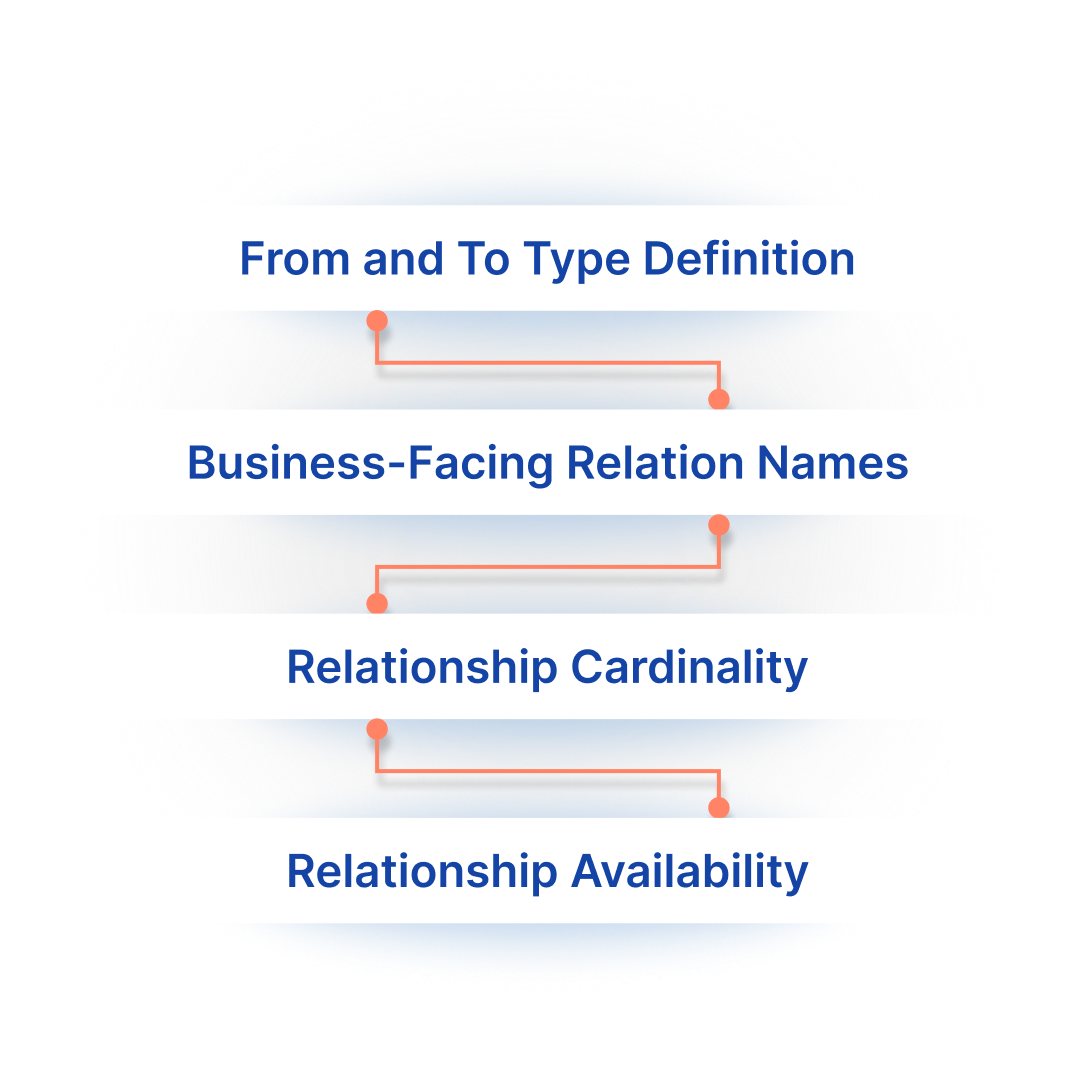
A relation type identifies the source type and the target type that participate in the association. This establishes the direction of the relationship and provides the foundation for linking instances of the two types.
The association can be given names that describe how it should be understood from each side. This allows the same relationship to be expressed meaningfully when viewed from the source record or from the related target record.
The relation definition can control how many records may participate on each side. This supports associations where a record links to a single related record or where multiple related records are permitted.
Once configured, relation types become available for use in the applicable type and reference configurations.
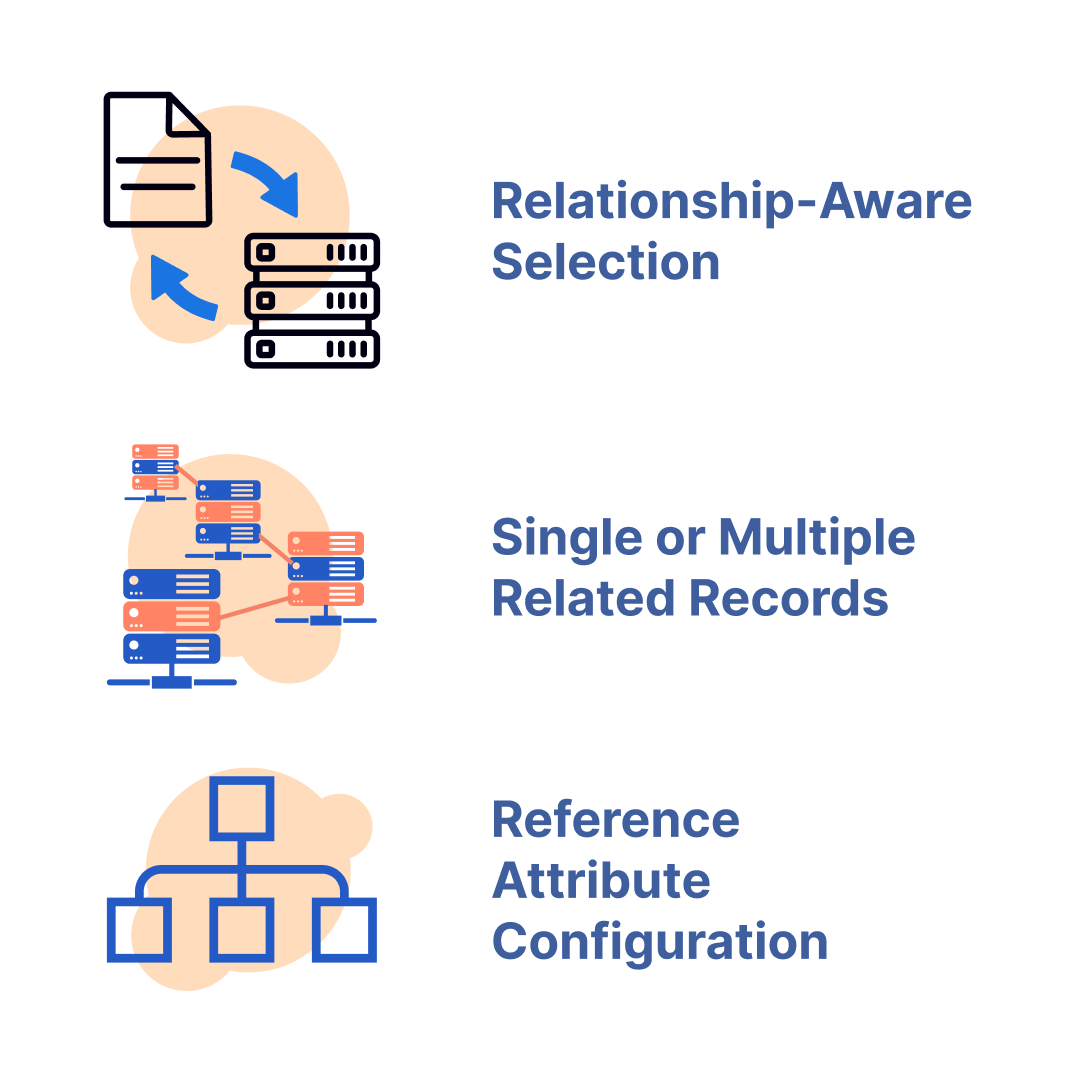
A reference attribute uses a configured relation type to capture a link to another business record. Rather than storing free text, the field allows the user to select an instance of the type defined on the related side of the association.
The reference configuration determines which relation is used and therefore which business records can be selected.
The behavior of the reference can follow the relationship definition, allowing the configured business context to determine whether one or several related records may be associated.
Reference attributes can be added to configured layouts in the same way as other attributes. This allows relationship capture to become part of the create, edit, or view experience for the applicable type.
Users can select an available related record through the configured reference field or relationship interaction. The resulting association is stored as a relationship between the records rather than as an ungoverned text value.
The configured interface can expose connected information for review and navigation between a parent record and its related work, resources, or other associated records.
Because each relation type explicitly identifies its participating types, the platform controls which combinations of records are valid for that association.
Different relationships can be configured between the same or different types where the business meaning differs.
Lifecycle permissions can control when users are allowed to link records, while rules and programs can evaluate or act on configured relationships where required by the process.

Configured application
Operational value
Define governed associations between configured types rather than storing relationships as unstructured text.
Use from-type and to-type definitions to determine which records can participate in each relationship.
Configure relationship behavior according to the number of related records permitted by the business requirement.
Use reference attributes and configured views to let users select and navigate related records.
Apply relationship names that explain the association from the relevant side of the connection.
Use relation types with lifecycle access, forms, rules, and programs where the process requires relationship-aware behavior.
Domain Modelling Studio
Protrak Relation Type Configuration provides the structure for connecting business records through defined, named, and governed associations. By combining relation definitions with reference attributes and configured views, organizations can capture relationships as part of the data model while retaining flexibility to configure different associations for different requirements.
Define the connection. Control the association. Navigate the related information.