
Site Installation Tracking
Ensure every precast element reaches site and gets installed exactly as planned
Precast Installation & Site Tracking Software in Protrak gives site teams real-time visibility into what’s arriving, what’s installed, and what’s pending — ensuring installation happens in the right sequence, at the right time.
Industry & Process Challenges
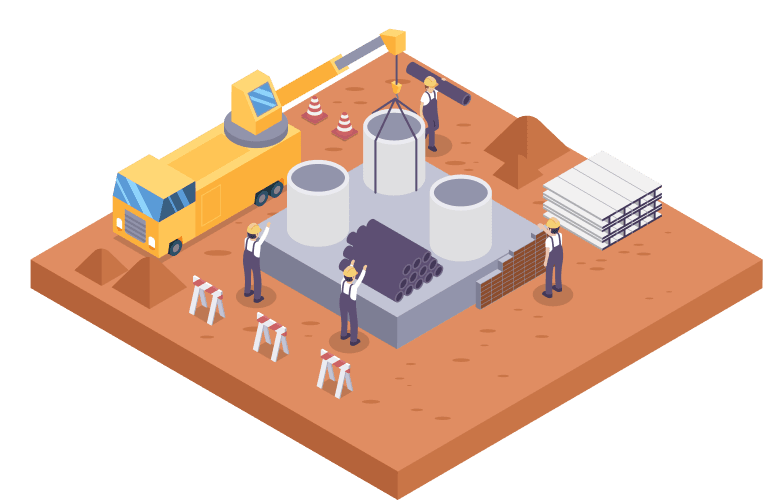
Site execution is where precast complexity peaks. Common challenges include:
No real-time visibility into dispatched vs delivered elements
Installation teams working off outdated drawings or sequences
Mismatch between crane availability and element readiness
Manual installation logs with delayed reporting
Difficulty proving installation status to clients and consultants
Poor traceability of defects, rework, or delays
What This Solution Enables
Protrak’s Installation & Site Tracking Software brings clarity and control to site execution. It enables teams to:
Track element delivery and installation status in real time
Ensure installation follows approved sequences and drawings
Capture installation evidence directly from site
Improve coordination between logistics, crane planning, and site teams
Maintain a defensible installation audit trail
Provide transparent progress visibility to stakeholders
Feature
Element Delivery Confirmation
- Track dispatched vs received elements on site
- Confirm delivery with time, location, and remarks
- Prevent missing or misrouted elements

Feature
Installation Status Tracking
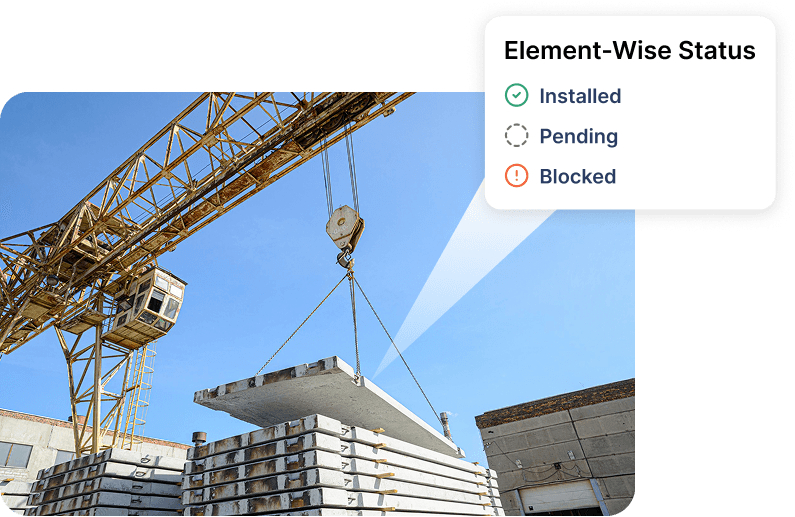
- Update installation progress element-wise
- Capture installed, pending, or blocked statuses
- Maintain a live installation register
Feature
Mobile-Based Site Updates
- Site engineers update status directly from mobile devices
- QR-based identification for quick element verification
- Faster, more accurate reporting

Feature
Quality & Defect Capture at Installation
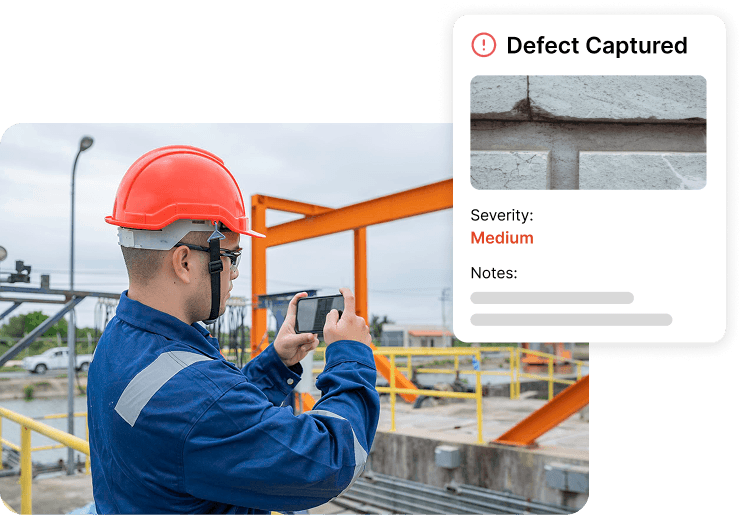
- Capture photos, defects, and observations during installation
- Link issues directly to specific elements
- Trigger corrective workflows instantly
Feature
Client & Consultant Visibility
- Share controlled installation progress views
- Reduce disputes and repeated site coordination calls
- Improve trust and transparency